Showing posts with label Lumiere. Show all posts

Wednesday, 2 November 2011

POTD: Whopping Wednesday

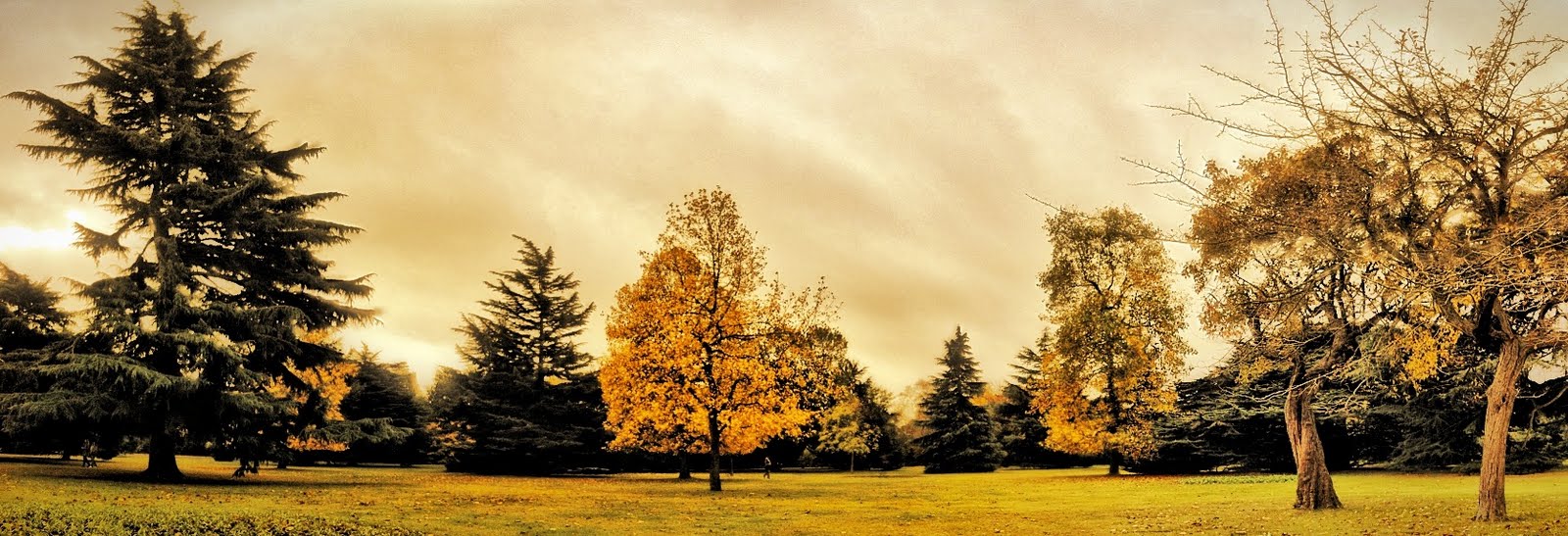
I took the main picture on my iPhone using the fantastic Autostich panorama app. (this is my 2nd attempt at panoramas after the St. Paul’s one).
  1. Basic Edits in Snapseed


  1. Simply HDR version


(edited in Simply HDR app)
  1. Grunge version


(edited in Snapseed using Grunge Filter)
  1. Monochrome version

(edited in Monochromia app)
  1. Camera+ version

(edited in Camera+ app using Clarity filter)
  1. Color Burst version

        (edited in Photo Toaster app using Color Burst filter)
  1. Retro version


(edited in Lumiere app)

Sunday, 23 October 2011

iPhoneography apps by features


Over the last few months, I have accumulated hundreds of iPhone apps for photography. And honestly, it is often confusing to remember which app has which particular features. Every time I have to edit a photograph, I am struggling to determine which is the best app to do the job. And also most of them offer the same features in a slightly different way to each other. So, now I am starting to build a catalog of features that I normally want for my photo editing and list down the corresponding apps that support them. This is just a nascent piece of work at the moment, so keep coming back to see regular updates on the page.
  1. ToonPaint
  2. MobileMonet
  3. AutoPainter
  4. Autopainter II
  5. Paint It! Now
  6. Art Camera
  7. Artographo
  8. Sketch Me!

Monday, 10 October 2011

POTD: Towering Monday

I have got so many pictures today that I need not send anything for this entire week - SEVEN in all!
I know the purists will condemn me for this, but I believe it is still an art to visualise reality in a different form and then be able to relay that vision by editing the picture appropriately. In the olden times, artists did this by sketching and painting their own versions of reality. In the modern times, it’s the apps and filters which empower us to do the same – and I am happy to be one such technophile artist.
Often it is difficult to judge which effect or filter will look good on a picture and will do justice to it, but the Tower Bridge is so majestically beautiful that almost every filter made it look magical – putting an artistic version together was totally effortless. I experimented with four different apps and each of them produced a remarkable version of my original picture.
This time I do have the voting buttons added to the mail – so please choose from the options and let me know which version impresses you the most (no reply =none L)
  1. Original
(taken with Canon IXUS 310 HS – in the evening around 6:30ish)


  1. Black and White

(converted in Lumiere – B&W filter)
  1. Monochrome - Sepia

(converted in Noir Photo app)
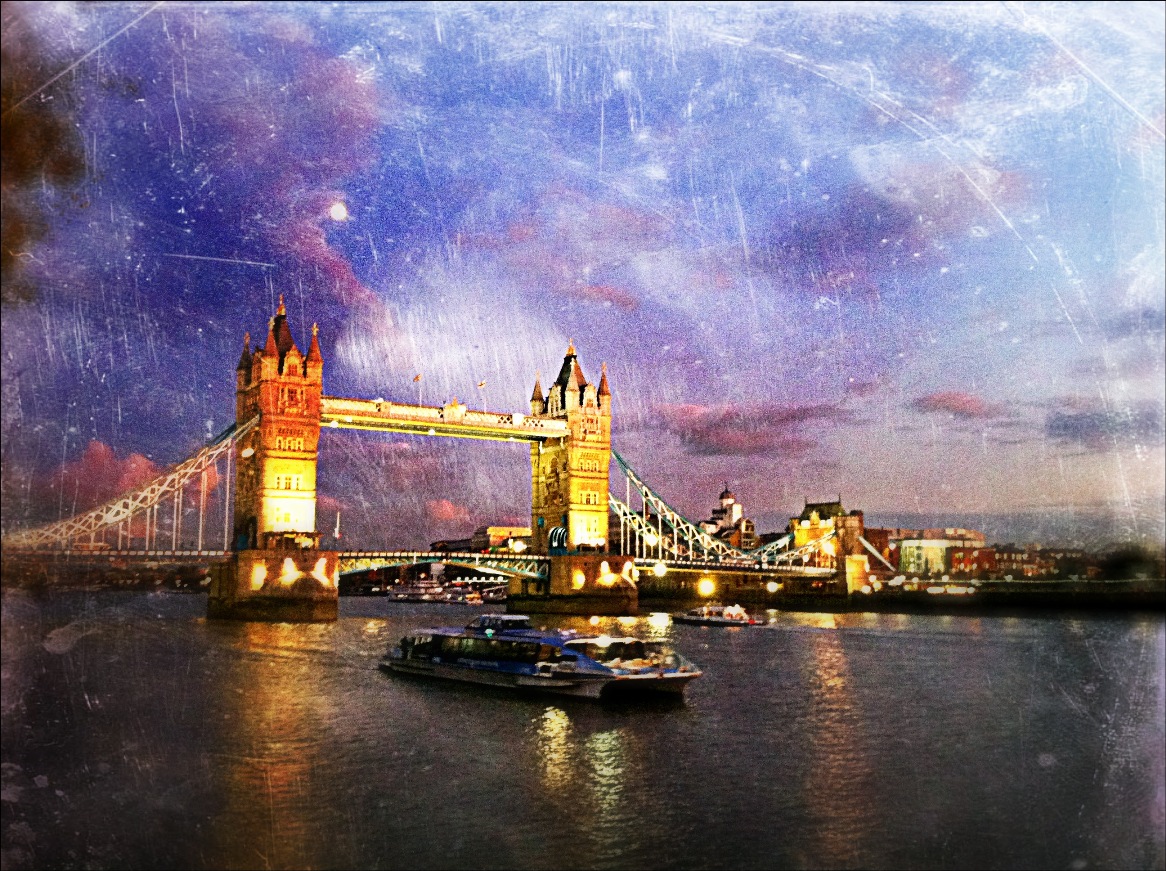
  1. Old Photo

(converted in Dynamic Light app)
  1. Blue Tint

(converted in Dynamic Light app)
  1. Orange Color

(converted in Lumiere app)
  1. Dazed version – used a different iPhone picture for this version


 (taken with iPhone; converted in Photo Toaster app)